The Replay: Automating Your Own "News Desk"
Watch it find a trending story, read the whole thing, write it in your voice, and publish it, start to finish. The chapters under the video take you straight to any part.
Replay chapters
Use the replay as your training guide. Click any time and the video jumps straight there.
Part 1: The strategy0:44 to 15:10 · 8 chapters
- 0:44Why a news desk, and why you're seeing it firstTrending news, rewritten in your voice and shared while you sleep. Why news is the best source of content people actually want to read.
- 2:14The hard truth: speed beats skillA better article still loses to a faster one. The window on a trending story is about 48 hours.
- 4:26Trust first, offers secondLet the news build trust, then layer in your links, banners and offers. Joe Pulizzi's audience-first rule, and the right way to use AI for news.
- 6:36Social means being socialGary Vaynerchuk's 80/20: brand stories that educate, entertain, inform and make people feel something, with a little selling.
- 7:52Where RSSMasher and AIMasher stopRSS feeds run thin or dry, and AIMasher has to be fed a topic. Both need something to start from. That's the gap.
- 10:34One tool for the whole jobIt finds what's trending on your topics, reads the source, writes in your style, publishes and promotes. Full autopilot, or hold it for your approval.
- 12:42The content formulas the big names useShaquille O'Neal's 60/30/10, Robert Kiyosaki's daily news brief, and Gary Vee. Mostly value, a little selling.
- 13:39Ten sites, ten voices, and it reads before it writesA different writing style for every site. It reads the source behind each trending story and tells you when one is paywalled or blocked.
Part 2: The live build15:10 to 56:27 · 20 chapters
- 15:10Meet NewsMasher: the dashboardStories waiting, drafts to review, what's published, your next run and your sites, all on one screen.
- 16:36Build a keyword feed from scratchA keyword set, not an RSS feed. Pick the feed type, let AI suggest your keywords, then choose the region and the site.
- 18:09Writing profile, author, length and hashtagsUse a shared profile like Consumer Watchdog, Industry Insider or Practical Explainer, then set the author, the length and where hashtags come from.
- 19:58Categories, and the silo that builds internal linksDefault, fixed or auto-picked category. Turn on Silo and each new article links to another one in the same category.
- 21:03ImagesAI-made or taken from the source, how many per article, medium or high quality on GPT Image 2.5, and the style: editorial photo, pen and ink, illustration or your own.
- 22:47Schedule and the autopilot switchesHow often it runs and how many stories it pulls, then the switches: write, publish, social posts, your ads, cite the source.
- 24:47Run it: the story queue and relevance scoresRun a feed on demand. Every story comes back scored, so you can tell a 4 from a 9.
- 25:39Write, approve, publishPick a story, change the length on the fly, then approve it for the schedule, publish it now or delete it. Then the finished article.
- 28:20The social queue and BufferEvery article comes with posts written for each network. Let them go on schedule, or send any one to Buffer right now.
- 29:51Connect a site and choose your networksSite URL, username and application password, same as RSSMasher and AIMasher. Then your networks, Google Business Profile included, plus credits, support and the version log.
- 32:44Writing profiles: tweak ours or build your own voiceCopy any shared profile and make it yours, or give Draft with AI a sentence and let it write your voice and structure rules.
- 35:21A full-autopilot feed, start to finishLessons Beyond the Story: random author, auto-picked categories, silo on, and social posts sent two hours apart. Set once, never touched.
- 38:38Put your own ads inside every articleBuild an image ad in the Ad Maker, group your ads by product, and every article gets one of your active ads.
- 41:45See it live on a Masher SitePublished articles, the source each one came from, and how they look live on two Masher Sites.
- 43:34The RSS trick: every article becomes a news videoYour site's RSS feed goes into Article2Video, which turns each article into a news video for YouTube, or Facebook through a webhook.
- 45:44Proof: Wayne's Hell of a Read channelA channel that sat quiet for months, now fed only by NewsMasher articles turned into videos, with no paid promotion.
- 48:52Hand-picking from the queueWrite the 9s, skip the rest. Approved articles publish on the site's schedule. Still sitting there? Drag it to Published.
- 50:44Social-only feeds: Halloween costumes for PinterestNo article and no website. Three costume pins a day on Pinterest all October, then switch it off.
- 53:32Workspace defaultsDefault image quality, article length, time zone and your Masher Credits API key, set once for every new feed.
- 54:01Bonus: the NewsMasher Clipper Chrome extensionReading a good article anywhere? One click sends it to a feed's story queue, or straight into a feed running on autopilot.
Part 3: The offer56:27 to 1:04:19 · 5 chapters
- 56:27The recap, and why it runs through BufferDiscover, read, write, publish, promote. Posts go out through Buffer, and Buffer's free plan covers three channels.
- 57:18Agency idea: Google Business Profile postsHook up a local client's free Buffer account and deliver ten Google Business Profile posts a month for them.
- 57:43You're no longer the bottleneckIt was never about being lazy. Doing six jobs at newsroom speed is a structural problem, not a motivation problem.
- 58:50The founding offerThe launch-night prices, which ended Sunday, October 4, plus the Seven Runs Guarantee and the three bonuses.
- 1:02:10No testimonials yet, and who it's forWhy we won't fake testimonials, who NewsMasher is built for, and the pricing one more time.
Part 4: Your questions, answered1:04:19 to 1:17:30 · 8 chapters
- 1:04:19Connect a WordPress siteIn WordPress: Users, edit your user, add an application password and copy it. Then paste it into NewsMasher with your username and site URL.
- 1:06:29In testing: publishing to any site through MCPSending articles to sites that aren't WordPress or Masher Sites, like a static site built with Claude Code.
- 1:08:46Send a feed to one categoryCreate the category on your site, then edit the feed, set it to Fixed and pick it. Everything from that feed lands there.
- 1:10:12How long can articles be?Three lengths, topping out around 1,200 words. Most news posts run about 700. Plus why keywords beat RSS feeds.
- 1:11:57Source citations, and posting through Make, Zapier or PabblyTick one box and the source is cited at the bottom of the article. Other posting tools connect through a webhook.
- 1:12:52The Chrome extension: why it matters and where to get itWhy you'll use it a few times a day, and where it lives: Settings, scroll to the Chrome extension, Add to Chrome.
- 1:13:58Multiple Buffer accounts and webhooksAdd as many Buffer accounts and webhooks as you need, so a life-hacks site and a wedding-photo site never cross.
- 1:14:37Think past your money siteA wine news site that sells personalized wine boxes. A health-coverage news site for an insurance consultant. Build the news site your buyers already read.

It reads before it writes
Finds what's trending on your keywords, reads the actual reporting, and writes it in your voice. Paywalled or blocked? It flags the draft instead of guessing.
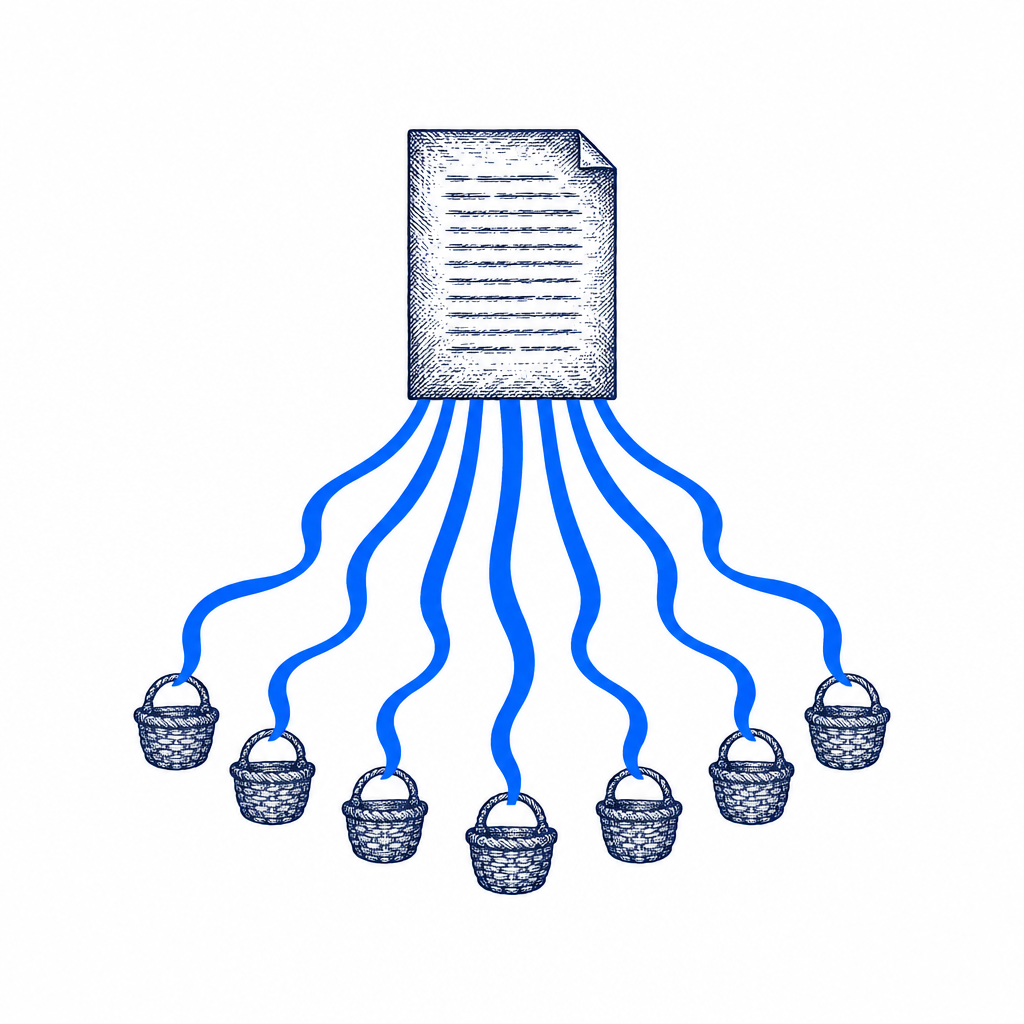
One article. Nine networks.
Publishes to your site with image, tags and category, then turns it into posts for X, Facebook, LinkedIn, Instagram, Threads, Bluesky, Mastodon, Pinterest and Google Business Profile, sent through your Buffer account. Buffer's free plan covers three channels.
Autopilot, or hand on the wheel
Let it run on its own, or hold every piece for your approval. Ten sites, ten voices, still just you.

Your ads, inside every article
Build image ads in the Ad Maker, group them by product, and every article carries one of your active ads. Watch it at 38:38.

No website? Still works.
Social-only feeds post straight to your networks. My Halloween feed puts three costume pins a day on Pinterest all October. Watch it at 50:44.

Every article can become a news video
Point Article2Video at your site's RSS feed and each article turns into a YouTube news video. Wayne is building two channels this way without touching them. Watch it at 43:34.
Straight from the live chat
Typed in the Zoom chat while the show was running.
This NewsMasher Software is my secret spidering reach
You and Wayne are truly mad scientists!!!
Amazing product!

"Set one Keyword Feed. Let it run seven days on your real site. If the articles aren't ones you'd put your name on, email me and you get every dollar back. No forms, no hoops."
The Seven Runs Guarantee
On every plan
Questions from the live chat
These came up in the chat during the show. Click a time to watch the answer.
Can I publish to more than one site, or only Masher Sites?
As many sites as you want: WordPress, Masher Sites, or any other CMS through a webhook. Each keyword feed picks its own site. Watch at 25:22
How do I connect my WordPress site?
In NewsMasher, go to Sites, Connect site, WordPress. Enter your site URL, your WordPress username and an application password. To make the password, open WordPress, go to Users, edit your user, add an application password and copy it. Watch at 1:04:19
Is this like RSSMasher, where I load the feeds I follow?
No. A keyword feed is a set of keywords, not an RSS feed. It looks at what's trending on those keywords today and yesterday, reads the source, then writes. Watch at 16:36
Do I still need RSSMasher if I use this?
Wayne's answer in the chat: no, just NewsMasher. Add Buffer if you want the social posts, and Article2Video if you want news videos.
How do I send a feed's articles into one category?
Create the category on your site first. Then edit the feed, set the category to Fixed and pick it. Everything from that feed lands there. Watch at 1:08:46
Can I change a feed after I set it up?
Yes. Open the feed, click Edit, change what you want and save. I edit one on the replay. Watch at 1:09:19
Is 1,200 words the most it will write?
Yes. There are three lengths, and Long tops out around 1,200 words. Most news posts run about 700, so Wayne and I stick with Standard and add an extra image. Watch at 1:10:12
Does it cite the original source?
Yes. Tick the box in the keyword feed and the citation goes at the bottom of the article. Watch at 1:11:57
Can it post to my own social tool?
If your tool can take a webhook through Make, Zapier or Pabbly, yes. We don't build custom API connections. Watch at 1:12:07
Where do I get the Chrome extension?
In NewsMasher, open Settings, scroll to the Chrome extension and click Add to Chrome. It opens NewsMasher Clipper in the Chrome Web Store. Watch at 1:13:34